BLOG
TREX IPTV Setup Guide USA: From Order to First Channel in 10 Minutes
Nov
TREX IPTV Setup Guide USA: From Order to First Channel in 10 Minutes
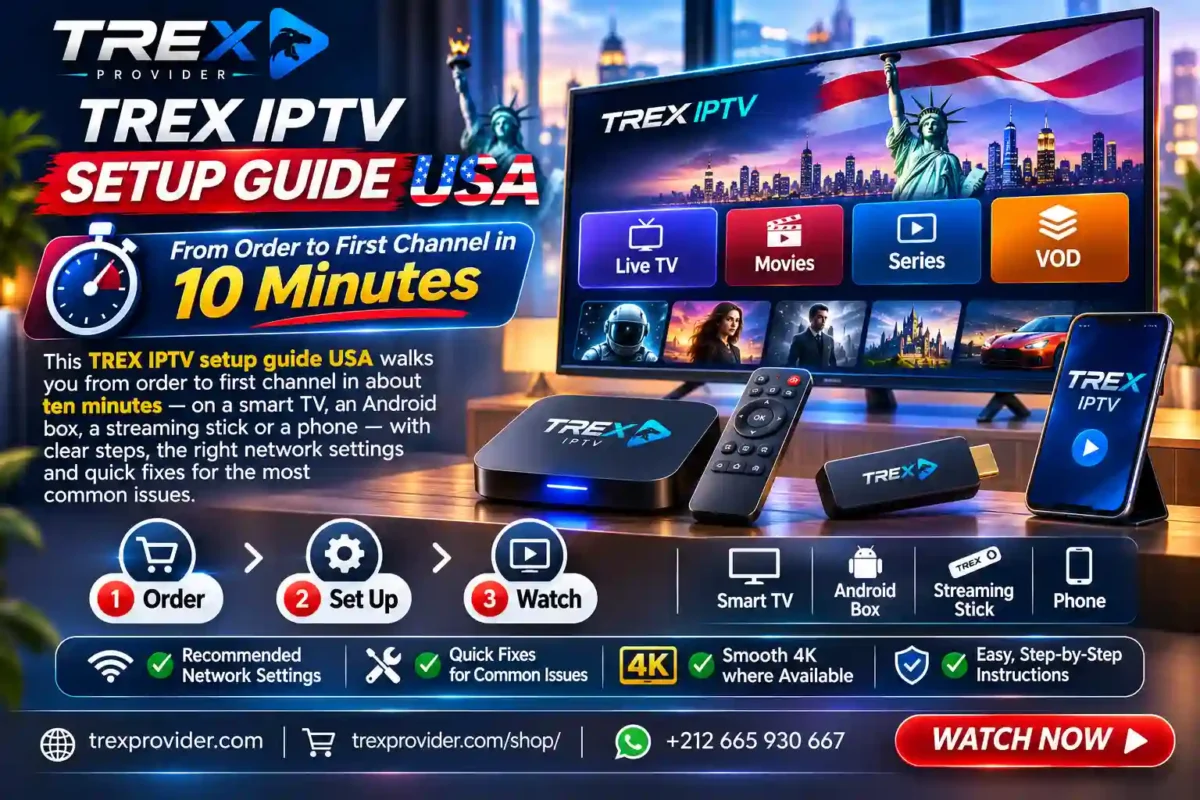
This TREX IPTV setup guide USA walks you from order to first channel in about ten minutes — on a smart TV, an Android box, a streaming stick or a phone — with clear steps, the right network settings and quick fixes for the most common issues.
Setting up internet television sounds technical, but it is really just four moves: choose a pack, receive your details, install a compatible app and log in. This TREX IPTV setup guide USA explains each move in plain language, then shows how to tune your home network so up to 30,000+ channels and 150,000+ titles play smoothly from the first evening.
What You Need Before the TREX IPTV Setup Guide USA
TREX delivers television through Internet Protocol television: channels and titles arrive as streaming media over your broadband anywhere in the United States. That means the list of requirements is short.
A stable internet line. Around 10 Mbps per screen for HD and 25 Mbps or more for 4K. Fiber, cable and good fixed wireless connections all work.
A compatible device. A smart TV with a compatible player app, an Android-based box or stick, a phone or a tablet. Older TVs can use a box connected by HDMI.
A TREX pack. Pack Dino, Pack TREX or Pack Diamond, depending on how many channels and on-demand titles you want. Every pack includes a full electronic program guide and a video on demand library, with no adult channels.
Five quiet minutes. That is honestly all the time the setup takes once your details arrive.
Device by Device: Where to Install
Smart TV. Open the TV’s official app store, search for a compatible IPTV player and install it. Message us your TV model if you are unsure which app fits best.
Android box or stick. Install a compatible player from the device’s official app store. Boxes with an Ethernet port give the most stable connection for 4K.
Phone and tablet. Install a compatible player from your phone’s official store; the same TREX login works there too, so you can watch on the move.
Several screens. One account covers compatible devices around the home. Ask us on WhatsApp about simultaneous screens for your household.
Whatever the device, playback quality adapts automatically: adaptive bitrate streaming lowers or raises the picture to match your line, and on capable screens many channels play in 4K resolution — true ultra-high definition where the broadcast offers it. Following this TREX IPTV setup guide USA on each device gives every screen the same smooth result.
7 Steps of the TREX IPTV Setup Guide USA
1. Test Your Connection
Run a quick test on Speedtest from the room where the TV sits, so you know your real ceiling.
2. Choose Your Pack
Compare lineup and library sizes in the TREX shop and pick the pack that fits your household.
3. Receive Your Access Details
After your order, your login details arrive within minutes. Keep them somewhere safe.
4. TREX IPTV Setup Guide USA: Install the App
Install a compatible player from your device’s official app store — smart TV, box, stick, phone or tablet.
5. Log In and Load the Lineup
Enter your details; the app loads the channel list, the guide and the on-demand library. The first load can take a minute.
6. Save Your Favorites
Spend five minutes saving the channels each family member watches most, so daily viewing takes one click.
7. TREX IPTV Setup Guide USA: Optimize the Network
Wire the main TV with Ethernet if you can, and use 5 GHz Wi-Fi for mobile devices to cut interference.
TREX Packs and Pricing
Setup is identical on every pack; you are choosing lineup and library size. The 12-month plans offer the best value per month:
| Pack | Channels / VOD | 12 Months | Per Month |
|---|---|---|---|
| Pack Dino | 16,000+ / 35,000+ | €35 SAVE 51% | €2.92 |
| Pack TREX | 23,000+ / 100,000+ | €55 SAVE 54% | €4.58 |
| Pack Diamond | 30,000+ / 150,000+ | €72 SAVE 55% | €6.00 |
Monthly and 6-month terms are available too. Order a pack and follow the TREX IPTV setup guide USA — you will be watching within minutes.

Quick Fixes for Common Issues
Most hiccups have a simple cause. Before contacting us, try these quick fixes, then keep the TREX IPTV setup guide USA handy for new devices:
- Login not accepted. Re-enter your details carefully, watching for extra spaces and capital letters.
- Channels buffer. Restart the router and the device, pause big downloads, and move the main TV to Ethernet.
- The guide is empty. Refresh or reload the playlist in the app settings; guide data can take a few minutes on first load.
- Picture looks soft. Check that your device outputs 4K and your line reaches 25 Mbps. Then compare the TREX packs; running a business can start with the TREX reseller program.
Still stuck? Message us on WhatsApp with your device model and a short description, and we will guide you step by step. For more tutorials, the TREX blog keeps simple guides on hand.
Frequently Asked Questions
How long does the TREX setup take?
About ten minutes from receiving your details to watching your first channel on most devices.
Which devices are supported?
Smart TVs with a compatible player app, Android-based boxes and sticks, phones and tablets. Message us your model if you are unsure.
When do I receive my login details?
Within minutes of your order being confirmed.
How much does it cost?
The 12-month plans cost €35, €55 or €72 depending on the pack — from €2.92 per month. Shorter terms are also available.
Is this service legal?
TREX Provider is a neutral technical platform that provides access to streaming technologies. The service does not store, host or distribute any copyrighted files and operates in compliance with the laws applicable in its jurisdiction. Users are solely responsible for the content they choose to access and must comply with the legislation in force in their country of residence.
What speed do I need?
Around 10 Mbps per screen for HD and 25 Mbps or more for 4K.
Can I use one account on several devices?
Yes, on compatible devices. Ask us about simultaneous screens for your household.
Can I resell TREX IPTV in the USA?
Yes. The TREX reseller program offers an instant panel with flexible credits.
Where do I start the TREX IPTV setup guide USA?
Pick a pack in the TREX shop or message +212 665-930667 on WhatsApp, then follow the steps above.
Test, choose, receive, install, log in, save favorites and optimize — that is the TREX IPTV setup guide USA in seven simple steps. Visit trexprovider.com, order now or message us on WhatsApp, and start watching tonight.
